
HSLC Percentage Calculator
Enter your marks to see your total and percentage, or set a target and see what you need in each subject. Works offline in your browser; nothing is sent anywhere.
How the calculation works
Percentage = total marks obtained ÷ total maximum marks × 100. For a target, the tool finds the total marks needed, subtracts the marks you already have, and divides the rest by the subjects you have not filled in. The board decides how your official result is counted, so use this only for planning.
Frequently asked questions
How is the HSLC percentage calculated?
Add the marks of all subjects you want to count, divide by the total maximum marks, and multiply by 100. This calculator does it for you.
Which subjects does the board count?
The board decides how the final result and any grade are counted. This tool is only for your own planning and does not replace the official marksheet.
Is this calculator official?
No. It is a free planning tool by Leepie. Your official result is the one issued by the board.
Premium study books
Aiming higher? Revise with complete answers
Guide books show how to write full answers to every textbook question, lesson by lesson, in Assamese.
 Assamese326 pages₹30
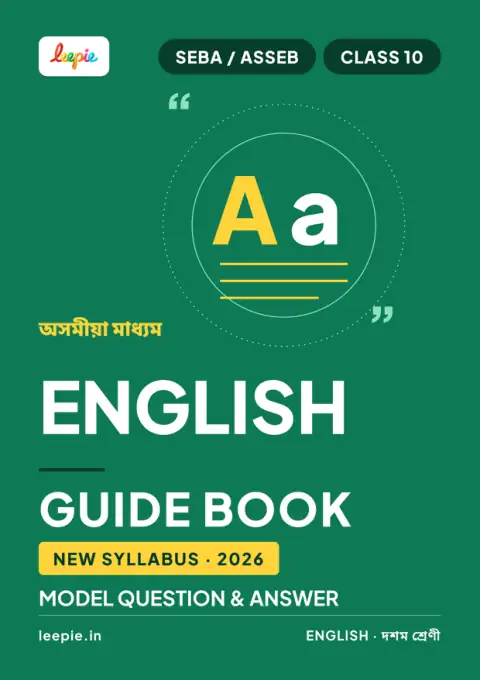 English325 pages₹30
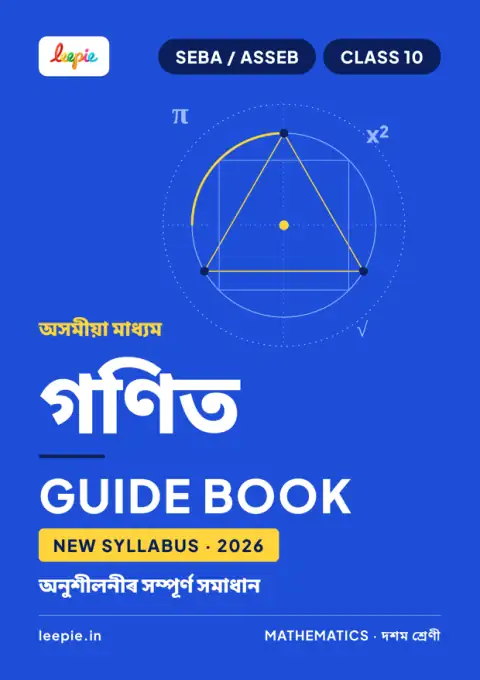 Maths492 pages₹30
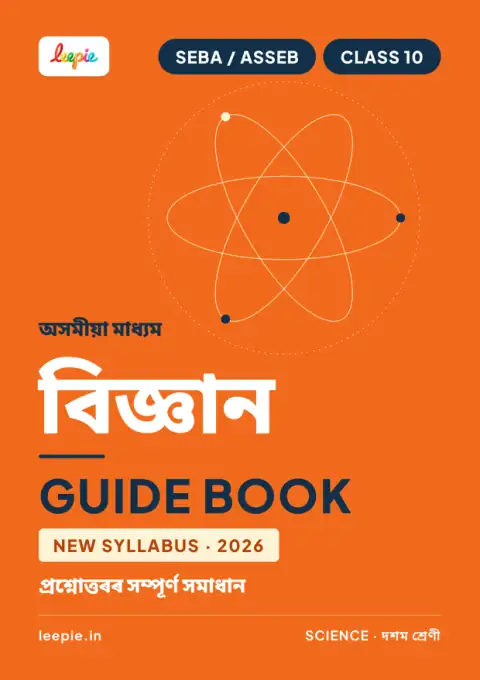 Science447 pages₹30
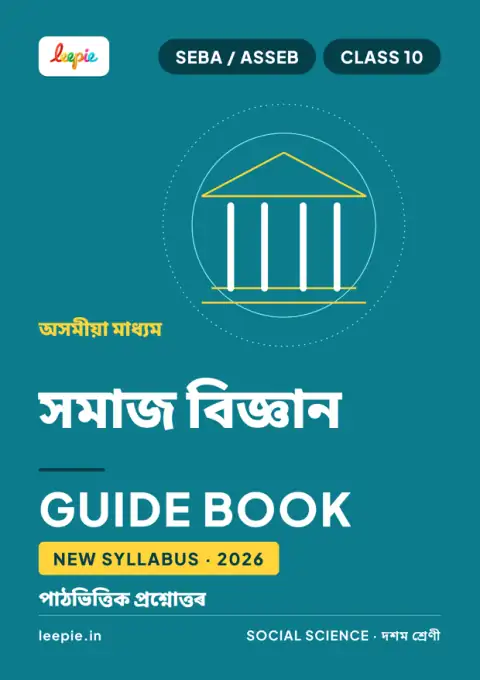 Social Science180 pages₹30
 Best value · save 90%All 5 guide books together₹99 instead of ₹150 when bought one by one
 Suggestion 2026All subjects: MCQ and important questions1088 pages · ₹150
Why these guides Browse all Class 10 booksFree preview of every book · instant download · one-time payment
Start Learning Free Today
Free video lessons, MCQs and question papers for SEBA Class 9 & 10, with premium books and complete notes when you want more.
Free to download on Android · SEBA, ASSEB, AHSEC curriculum · Made for Assam board students